Description
Your phone’s camera. A purpose-built underwater housing.
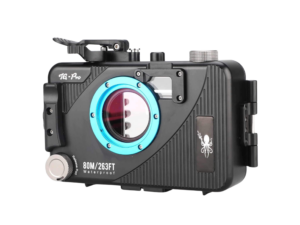
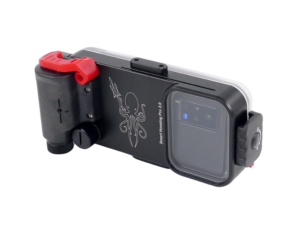
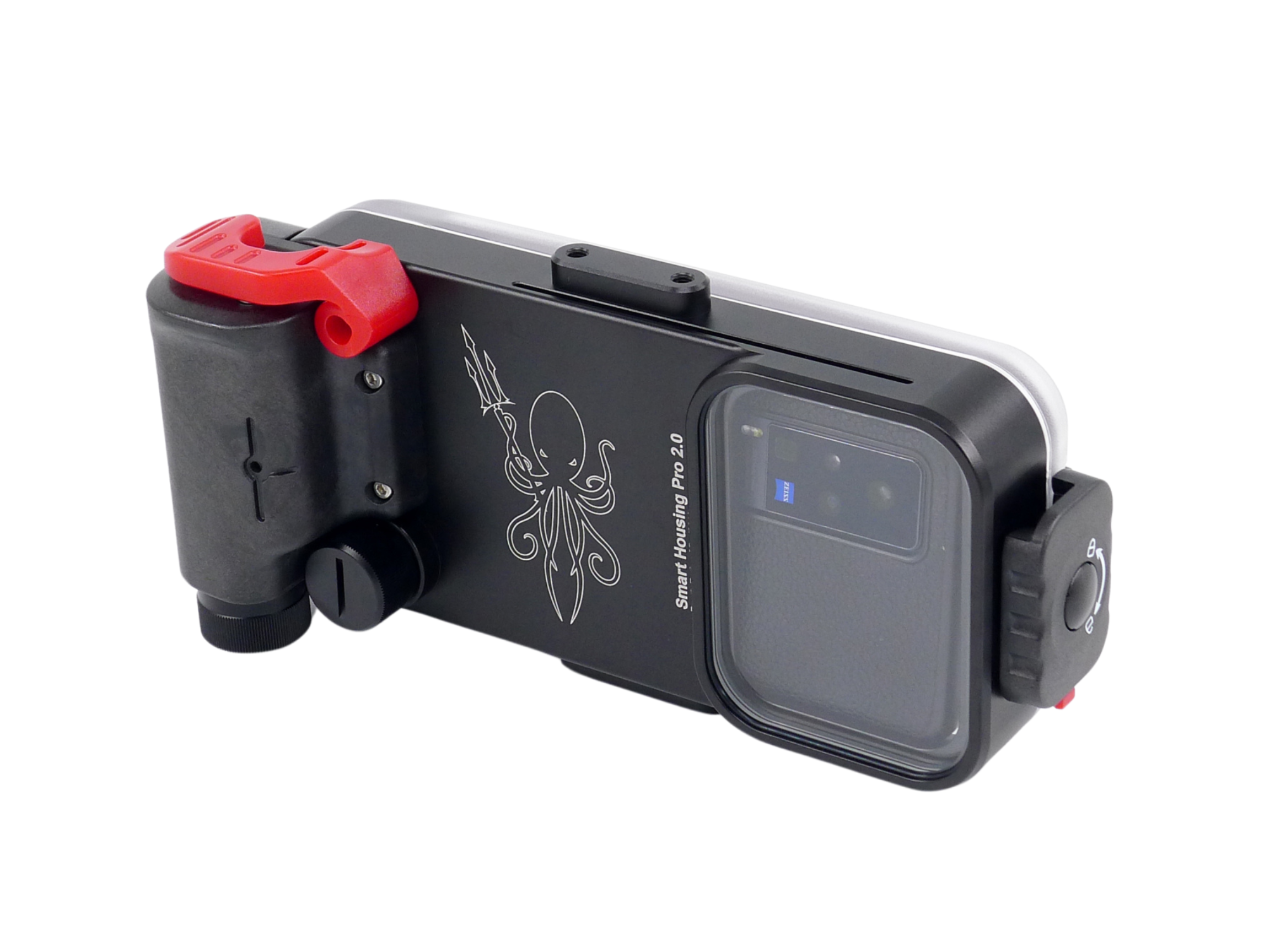
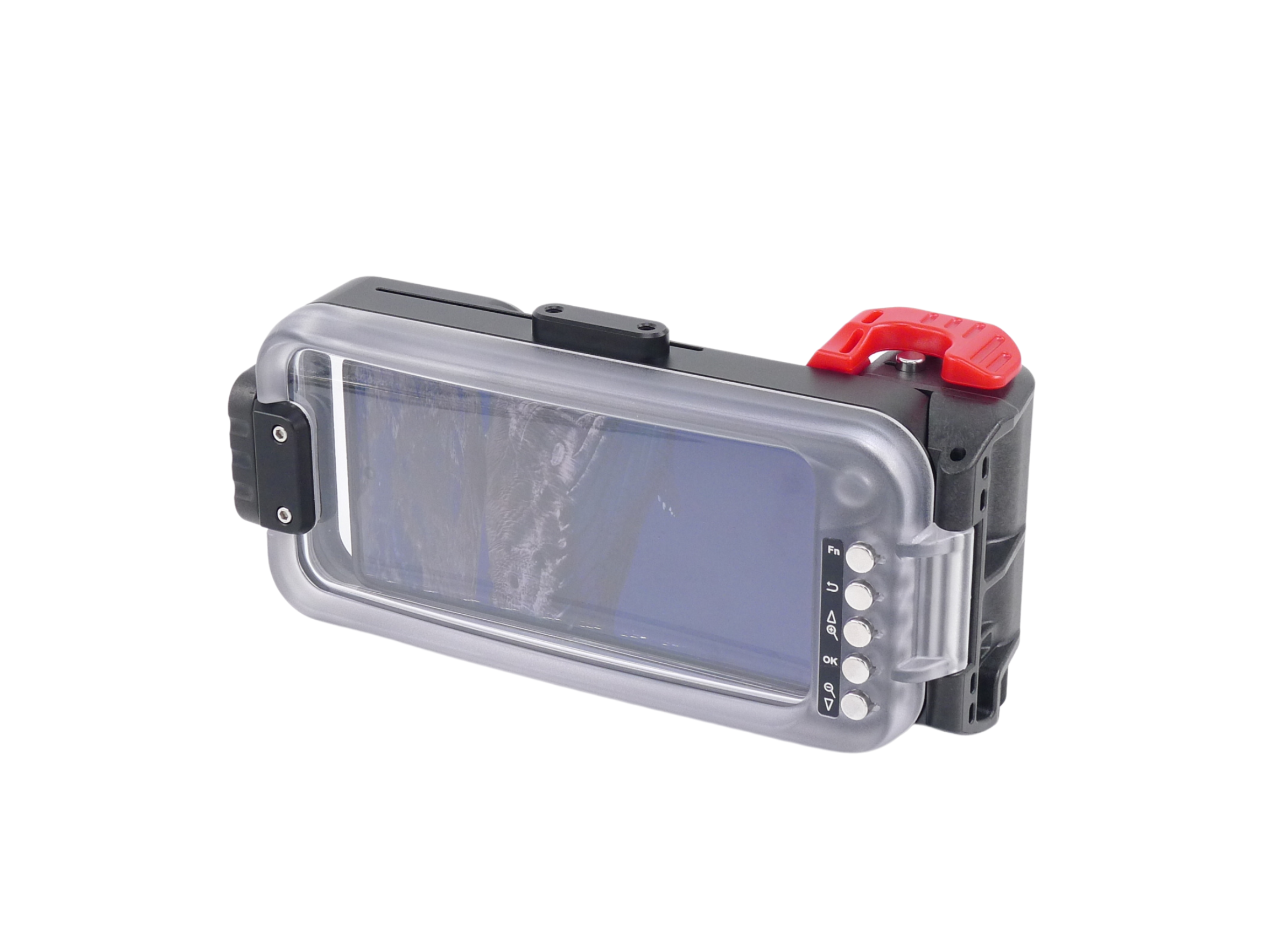
The Kraken KRH08 V2 brings your compatible smartphone into an underwater imaging setup you can build on. Its aluminum body protects the phone, while physical controls connect to the Kraken Next Gen app over Bluetooth so you can take photos and start or stop video without touching the phone’s screen.
Start with the housing and your phone. Add a tray for handling, then compatible lights or lenses to suit the subjects you want to shoot. You do not need to choose every accessory before your first setup—but you do need to confirm phone fit and app compatibility.
How you control the camera underwater
The KRH08 V2 uses physical buttons, not direct touchscreen access. Pair the housing with Kraken Next Gen on your phone over Bluetooth, then use the housing’s controls to operate the app. The phone’s screen lets you compose your shot and see the app interface through the rear window.
Install the app, complete its setup and check the housing connection before your trip. Practise taking a photo, starting and stopping video, and navigating the controls on land before using the housing in water.
Get the Kraken Next Gen app
The app is listed as Kraken NextGen in the app stores. Use the links below to check current phone and operating-system requirements before ordering.
App features depend on your phone, app version and housing model; optional in-app purchases may apply. The KRH08 is the model without a built-in depth detector—do not assume that depth-related features described for other housings apply to it.
Will your phone fit?
Maximum phone dimensions: 174.40 mm × 81.30 mm × 8.8 mm. Check your exact model rather than relying on the phone brand or screen size. A protective case can increase the dimensions, and camera placement and clearance also need to suit the housing.
Physical fit and app support are separate checks. Confirm both before buying, and test the setup on land before diving. If you are unsure, send our team your exact phone model for help.
Check the seal before entering the water
The built-in vacuum system lets you check the closed housing before a dive. Use the supplied pump and follow the manual’s seal-check procedure, including its waiting period. Keep O-rings clean, inspect them for damage and make sure the vacuum port is properly closed.
A successful check is part of preparation, not a replacement for careful assembly and maintenance. After use, follow the manual’s fresh-water rinsing and drying instructions before opening the housing.
Power for the housing—and your phone
The KRH08 V2 uses an included 18650 lithium-ion battery and supports charging the phone inside the housing. Check that the charging connection suits your phone before travelling, and begin with both the phone and housing battery charged. Battery life varies with your phone and how you use it; no fixed number of dives is promised.
Build a setup for the way you shoot
A compatible tray gives you a two-handed grip and mounting points for lighting. For nearby subjects, a video light lets you add light where you need it; the Abyss 6000 is one option to discuss with our team when matching arms and mounts.
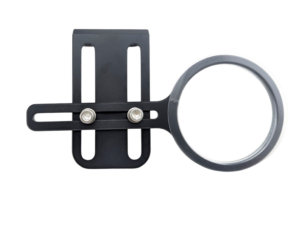
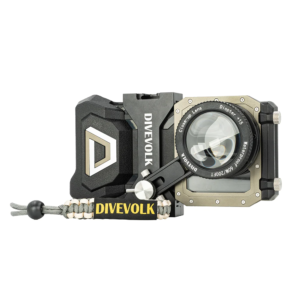
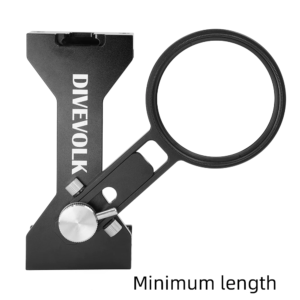
The housing also accepts compatible lens accessories and an optional sliding red filter. Check the exact accessory fit before ordering. A filter and a light do different jobs: a filter changes the light reaching the camera, while a video light adds illumination to a nearby subject.
KRH08 V2 at a glance
- Housing: aluminum smartphone housing
- Camera control: physical buttons with Kraken Next Gen over Bluetooth
- Depth rating: 85 m / 280 ft
- Maximum phone dimensions: 174.40 × 81.30 × 8.8 mm
- Listed exterior dimensions: 9″ × 4.5″
- Listed weight: approximately 1.9 lb out of water
- Power: 18650 lithium-ion battery; phone-charging support
- Seal check: built-in vacuum system
- Depth detector: not included in the KRH08 model
Included with the housing
Your KRH08 V2 includes the housing, battery, vacuum pump, lanyard, spare rear-cover and battery-cap O-rings, charging cables and a vacuum-cap key. Check the charging connector required by your particular phone with our team.
Your phone, lights, tray, lenses and optional filter are not included.
Before your first dive
- Confirm phone fit and install Kraken Next Gen using the links above.
- Complete app setup, pair the housing over Bluetooth and test its camera controls on land.
- Inspect the O-rings, close the housing and complete the manual’s vacuum-check procedure.
- Follow the housing manual for use, depth limits and after-dive care.
Need help choosing a phone-and-housing setup? Talk to Kraken Sports.
Manual and housing setup videos
Download the KRH07/KRH08 hardware manual (PDF)
The original manual and videos may show an earlier app interface. Use Kraken Next Gen for the current app setup; the manual remains a reference for the housing’s physical operation and care.